S9 AI Reports
AI reports summarize behavior / vitals over a period.
9.1 Open a report
Open Analysis report on a device card, or the AI report menu:
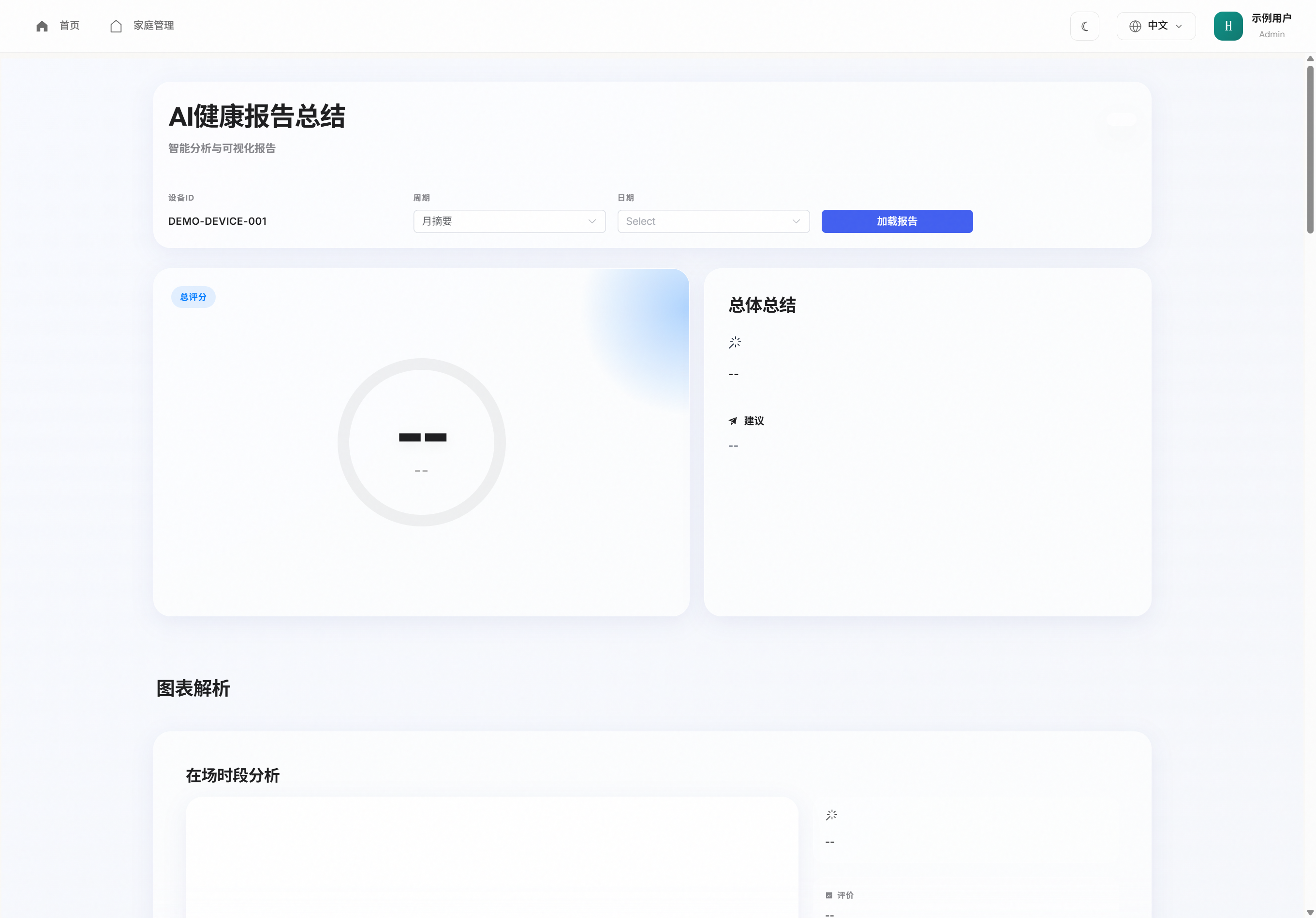
- Confirm the device ID (locked when opened from a card).
- Pick a period (e.g. monthly) and a date.
- Tap Load report.
Needs activity in the period and permission to view. Empty fields show --.
9.2 How to read
Use summary for overview, trends for change, anomaly clips with alerts/replay. Reports assist judgment; they are not medical diagnosis.