S4 Family & Members
A family groups rooms and devices. A user may belong to one or more families.
After entering a family, the home page lists devices by room:
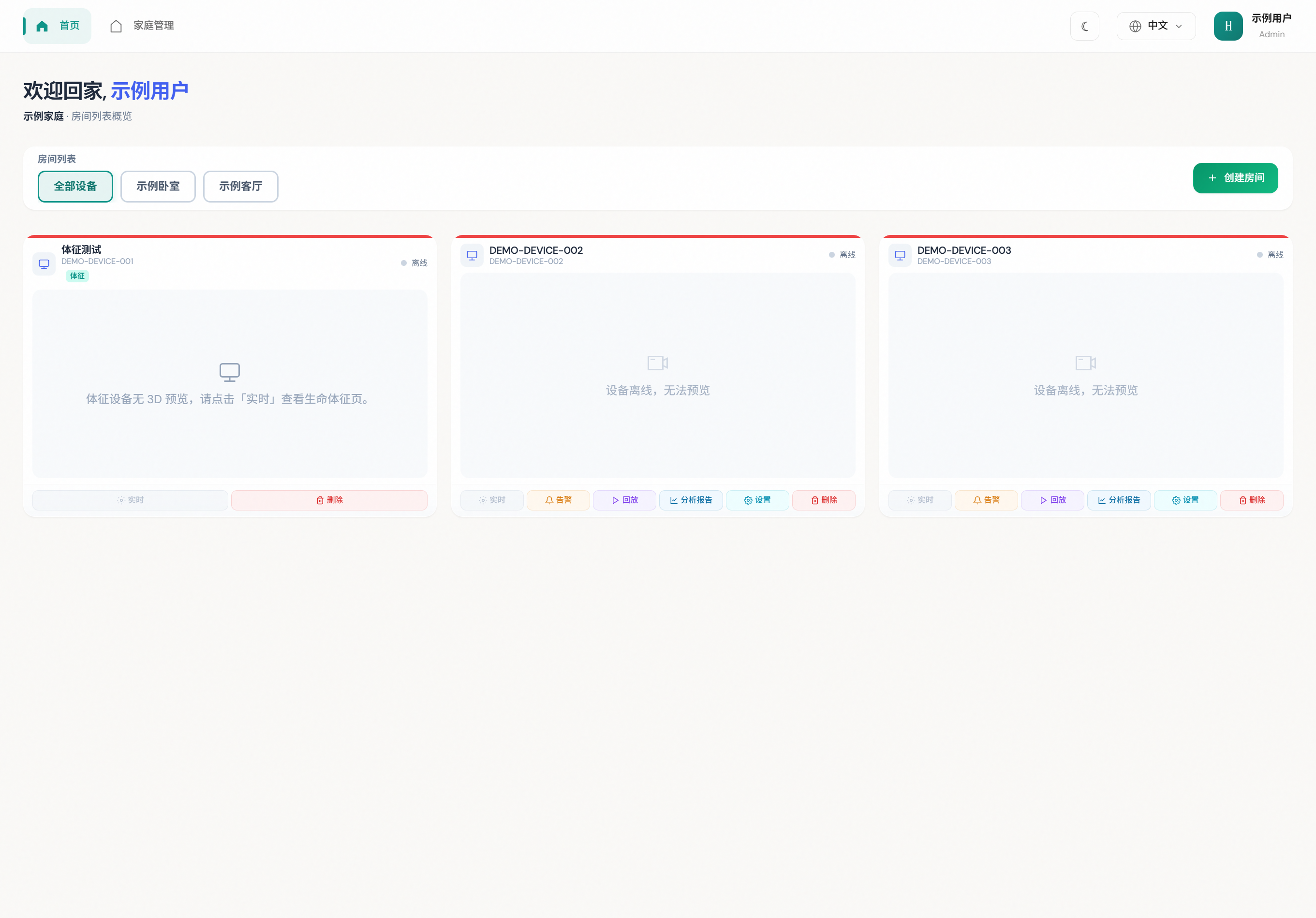
4.1 Create a family
Open Family management to view or create families:
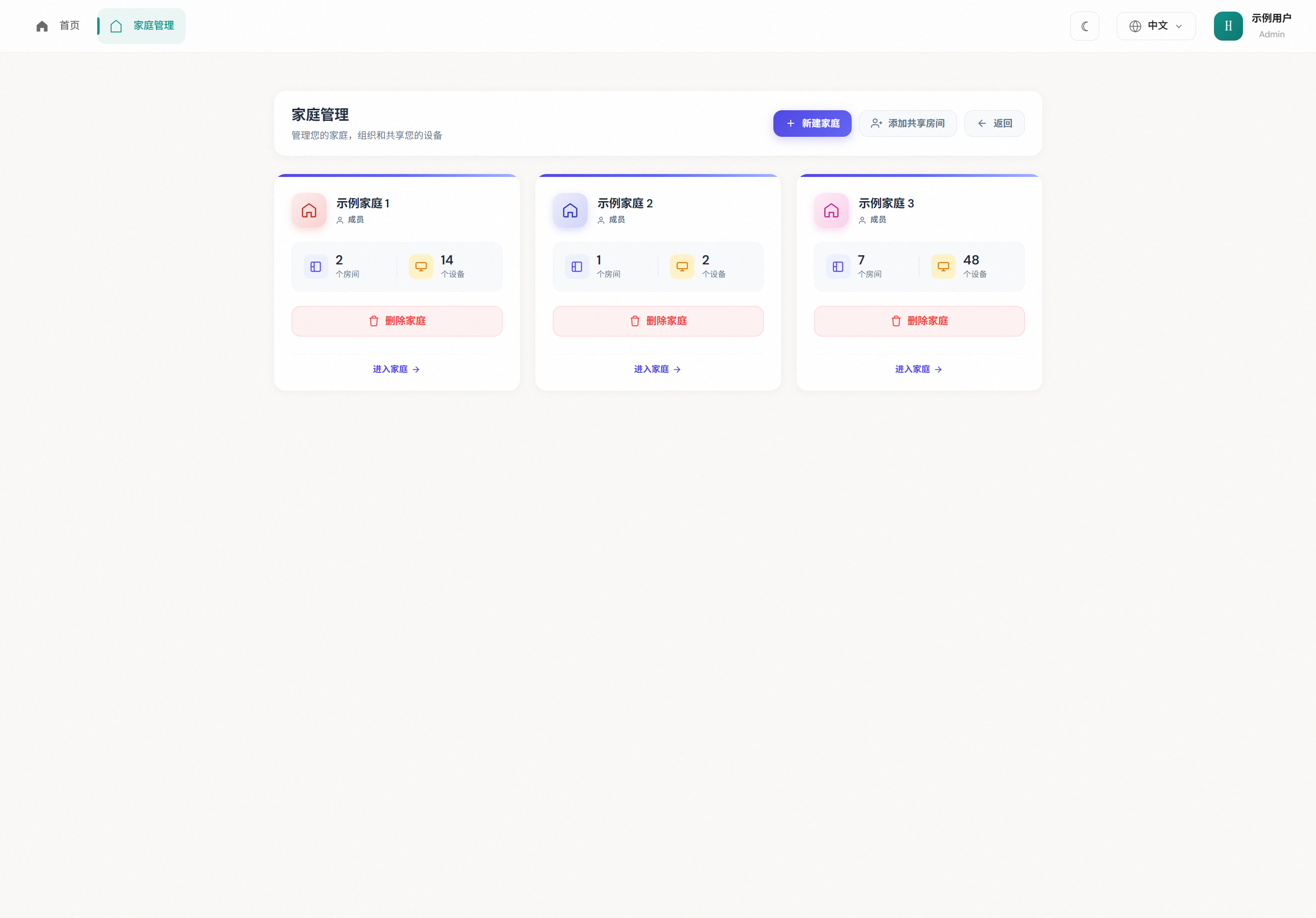
- Tap New family and set a name.
- Invite members as needed.
- Tap Enter family to switch context.
4.2 Roles (illustrative)
| Role | Typical access |
|---|---|
| Owner / family admin | Members, rooms, device binding |
| Member | View monitoring / alerts; limited edits |
4.3 Switch family
Use Family management to enter another family; room and device lists follow.
4.4 After entering a family
The home page lists devices by room. Next:
- Create a room (admin) — name, length / width, optional emergency contact. See S5.1.
- Room settings — ceiling height, furniture, feature zones.
- Add a device — select a specific room first, then bind the serial. See S6.1.
TIP
You cannot add a device without a room. Members cannot create rooms or bind devices — ask a family admin.